You haven't signed in yet, you can have a better experience after signing in
*Please complete the payment within {{receiveCouponInfo.expire_at}}Previous use*
You haven't signed in yet, you can have a better experience after signing in



Activity Rules
1、Activity time:{{ info.groupon.start_at }} ~ {{ info.groupon.end_at }}。
1、Activity time:cease when sold out。
2、Validity period of the Group Buying:{{ info.groupon.expire_days * 24 }} hours。
3、Number of Group Buying:{{ info.groupon.need_count }}x。
Please Pay Attention
1、Teamwork process: Join/initiate a Group Buying and make a successful payment - Within the validity period, the number of team members meets the activity requirements - Group Buying succeeded!
2、If the number of participants cannot be met within the valid period, the group will fail, and the paid amount will be refunded in the original way.
3、The number of people required and the time of the event may vary among different products. Please pay attention to the rules of the event.
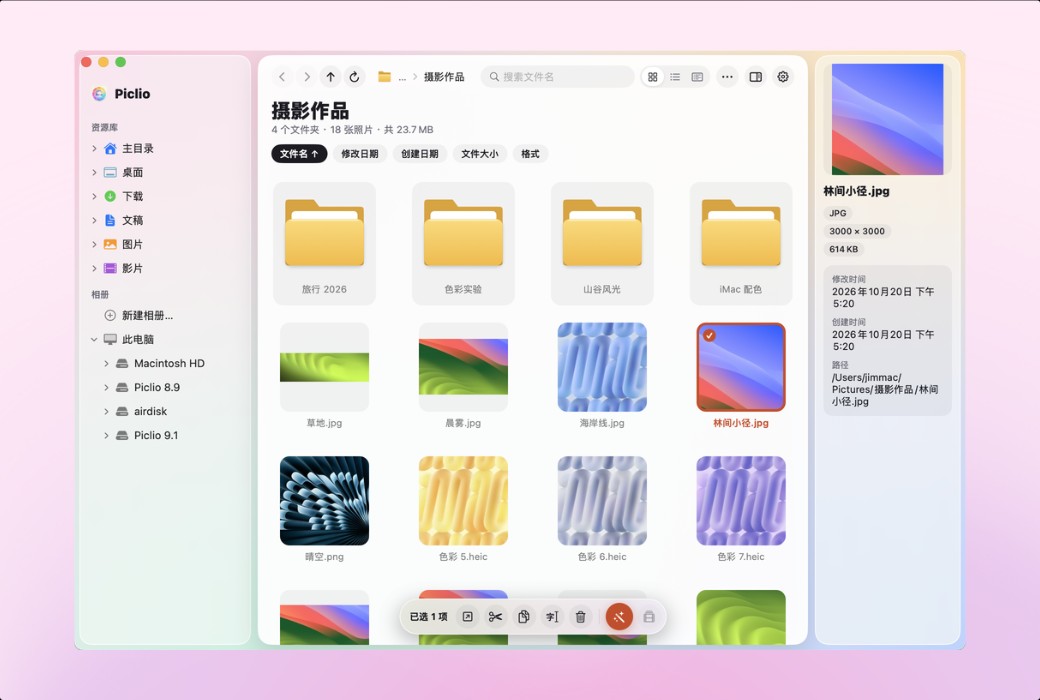
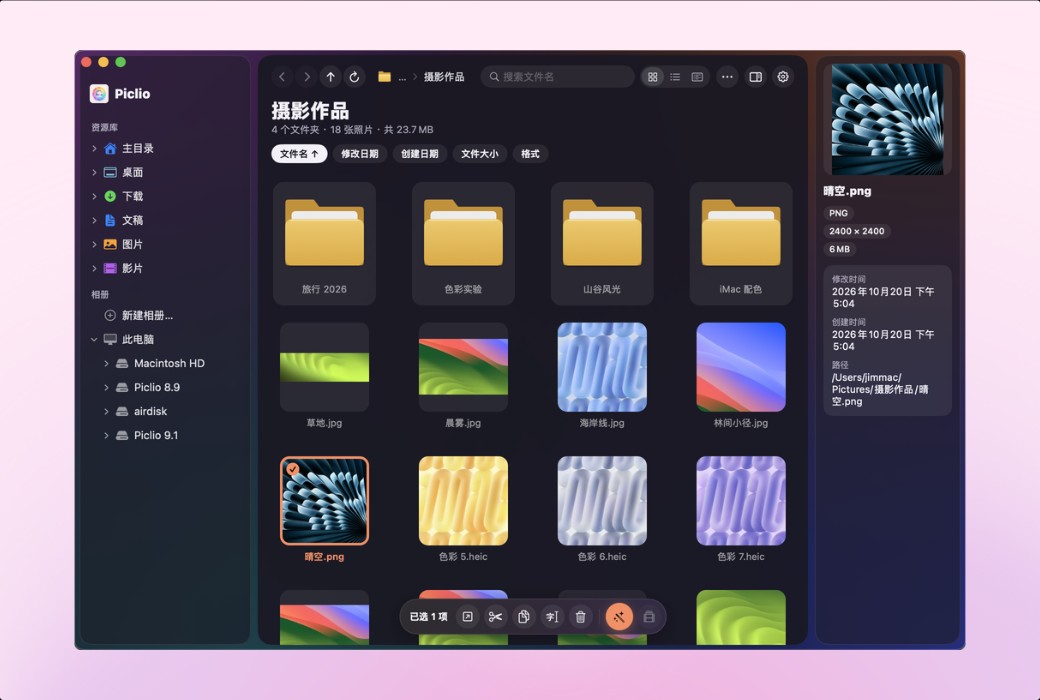
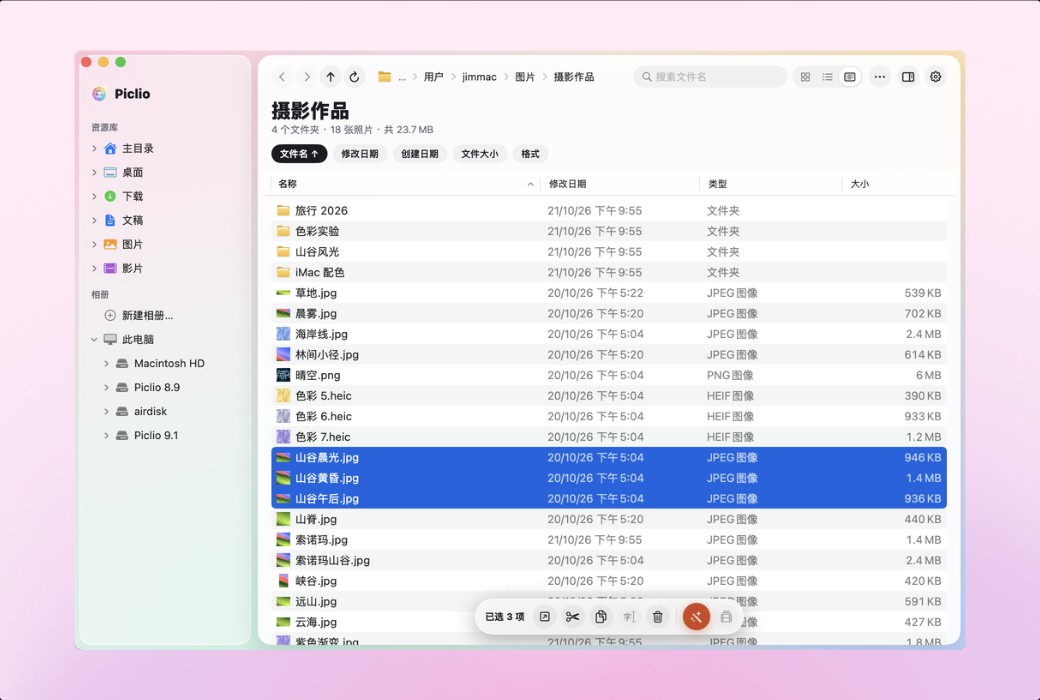
Piclio 是一个带看图功能的 Mac 文件管理器。左边文件夹,中间缩略图,双击看大图。剪切、粘贴、F2 重命名、F5 刷新、可输入路径的地址栏都保留了下来,从 Windows 换到 Mac 的用户打开就会用,不用重新学。也适合每天批量出图的电商卖家和自媒体。
功能特点
地址栏点面包屑跳转,点空白处输入路径;详细信息视图点列标题排序,列宽会记住;拖放移动或复制,同名文件冲突时三选一;常用文件夹固定在侧栏。支持 iCloud、Google Drive、OneDrive、Dropbox 和 NAS 网络盘。
移动、重命名、删除、新建文件夹、批量处理,都能 ⌘Z 撤销。删除的文件进废纸篓,误删按 ⌘Z 就能找回。覆盖原图前会先问你,覆盖后同样能撤销。
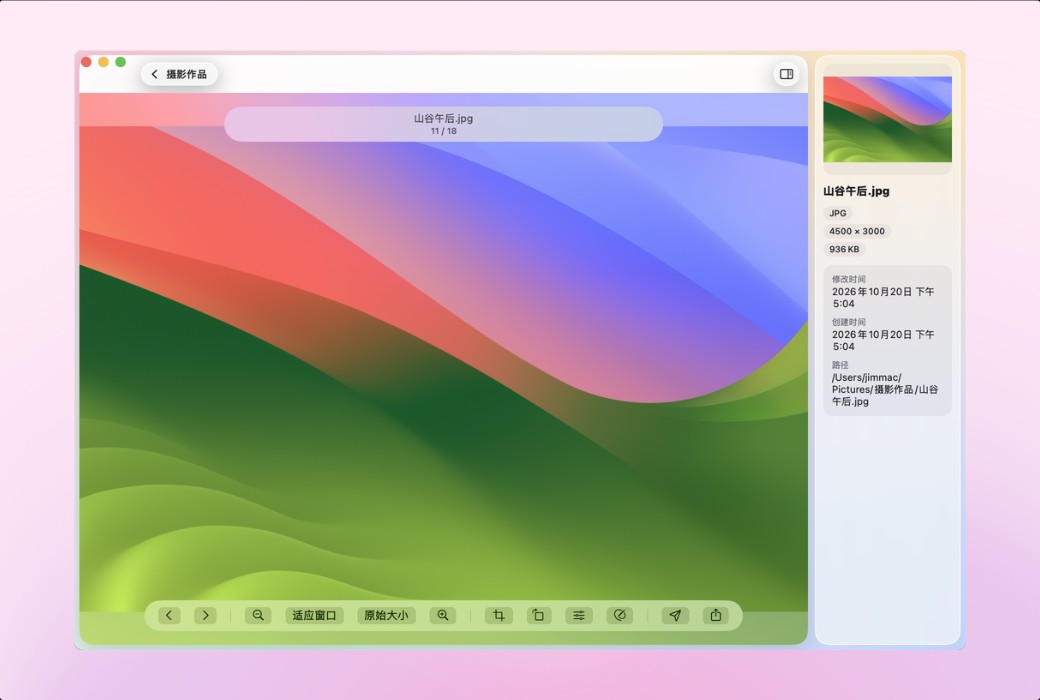
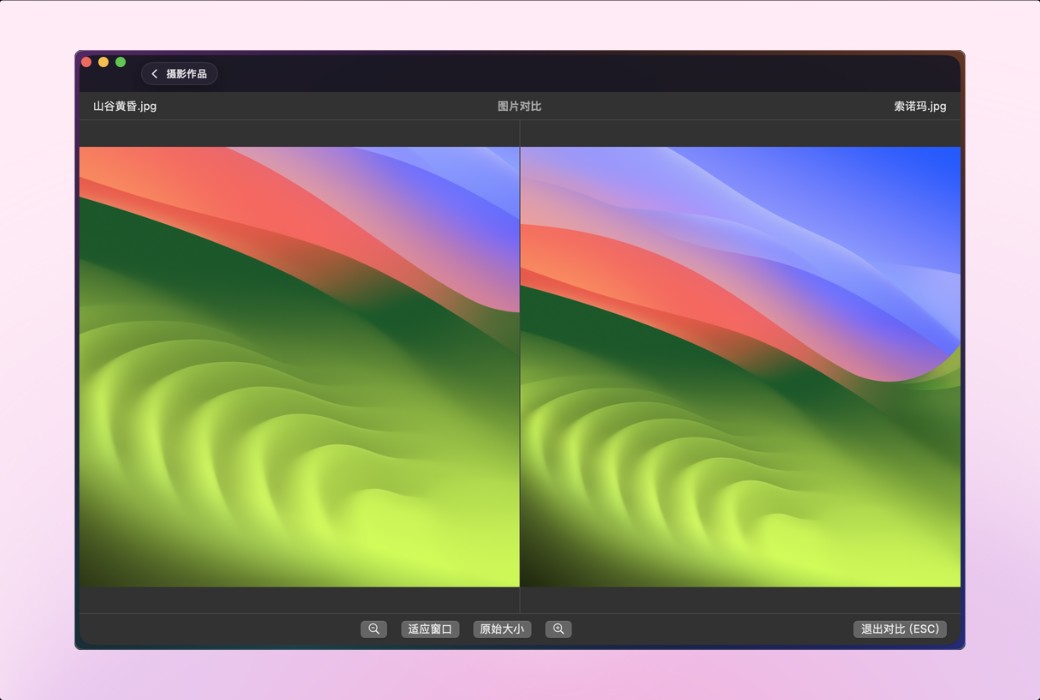
选个文件夹就出缩略图,支持 JPG / PNG / HEIC / WebP / GIF / TIFF 和常见 RAW。双击看大图,方向键或滚轮翻页,⌘ + 滚轮或双指捏合缩放,适应窗口和原始大小一键切换。信息面板显示尺寸、大小、时间和路径。
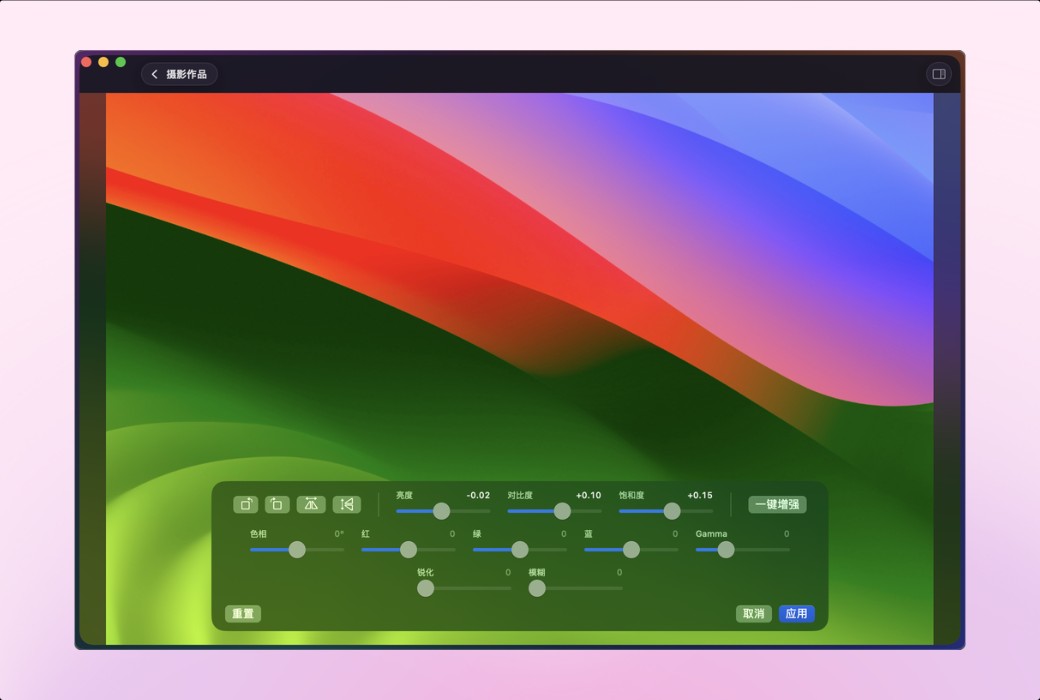
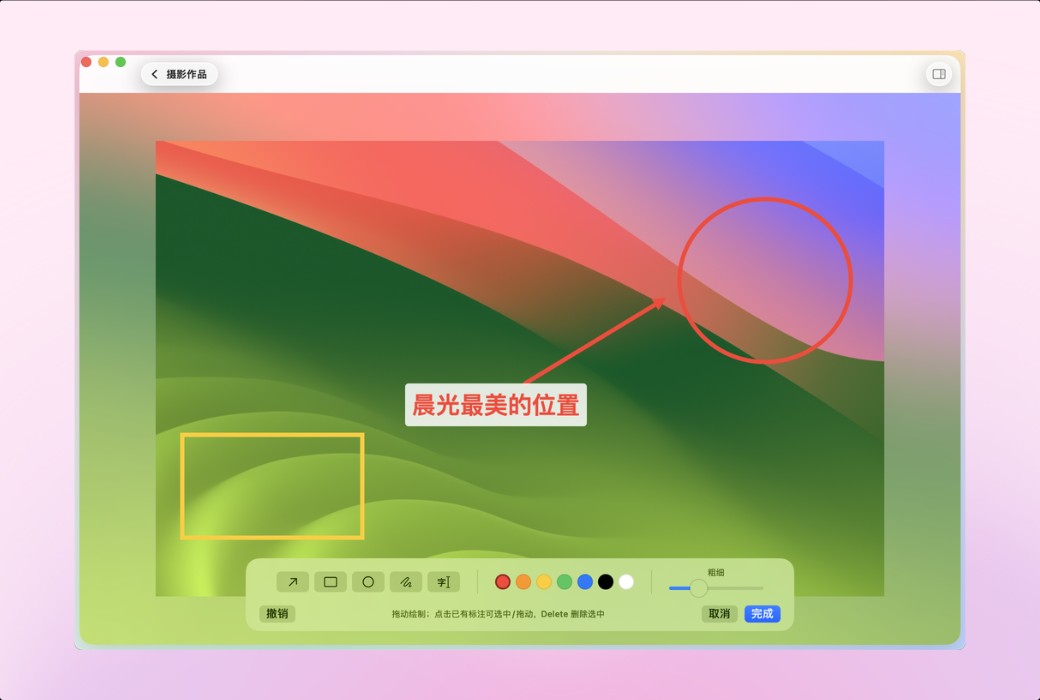
裁剪、旋转、翻转、亮度 / 对比度 / 饱和度、色相、色彩平衡、锐化 / 模糊、一键增强,以及箭头、矩形、椭圆、文字标注。保存方式自己定:每次询问、总是另存副本,或覆盖原图。
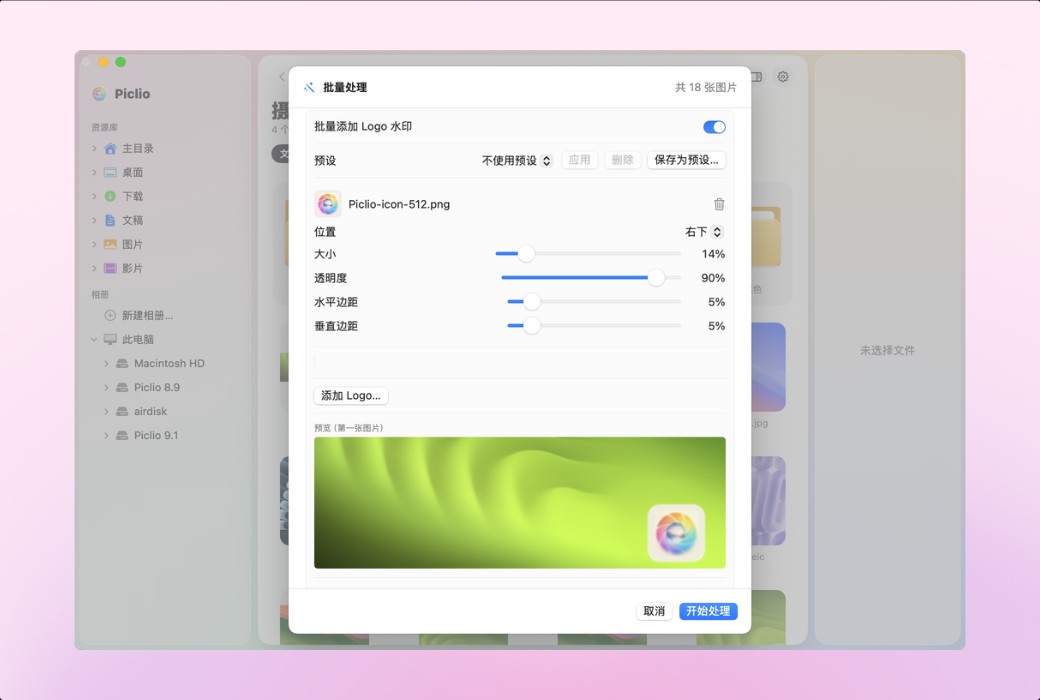
一整个文件夹的图片一次转格式(JPG / PNG / WebP / HEIC / TIFF / AVIF / GIF)、改尺寸、压缩、重命名。Logo 或文字水印支持多图层、九宫格定位、透明度调节,常用方案存成预设,处理前实时预览。
mp4、mov 等常见视频直接播放,可调倍速(Pro 还能旋转、修剪、截帧、压缩)。相册按主题归类照片,只记录位置,不移动、不改动原文件。
和 Mac 自带工具的区别
免费版和 Pro
适合人群
官方网站:https://yczlabs.com/zh/products/piclio/
发货时间:24 小时自动发货
运行平台:macOS
界面语言:简体中文 / 繁體中文 / English,在设置里切换。
更新说明:一次购买,无需订阅,后续版本免费升级。
买前试用:购前可免费试用。
如何收货:购买后,激活信息会以邮件的形式发送到下单时的邮箱,同时可在个人中心,我的订单中查看对应的产品激活码。
设备数量:可安装 2 台设备。
更换电脑:原电脑卸载,新电脑激活。
激活引导:打开 Piclio,菜单“Piclio › Piclio Pro…”输入激活码激活。
特殊说明:待添加。

Any question